Intro
Most SEO discussions focus heavily on text. Word counts, keyword density, semantic relevance. Those matter. But if you ignore visual content, you leave a massive amount of organic traffic on the table. Search engines no longer just read text. They parse images, measure how users interact with media, and rank pages based on the entire user experience.
Google is fundamentally a visual engine today. Look at a modern search results page. You see video carousels, image packs, and rich snippets long before you see traditional blue links. If your pages consist of unbroken walls of text, you're actively telling search engines that your content is outdated. Visuals break up the reading experience, lower bounce rates, and provide alternative pathways for users to find your site.
Moving Beyond Stock Photography
Drop the generic handshakes and smiling call center workers. Google algorithms are incredibly good at recognizing duplicate images. When you use the same stock photo that hundreds of other sites use, you miss an opportunity to rank in Google Images and you give users zero reason to stay on your page. Custom visuals act as a direct signal of original content.
Unique graphics, data visualizations, and custom photography keep people scrolling. That increased time on page tells search engines your content actually answers the search query. If you're writing a guide on changing a tire, a custom diagram showing exactly where to place the jack is infinitely more valuable than a stock photo of a clean sports car. Google knows this. Users know this.
Original images also earn backlinks naturally. Other site owners need charts and graphs for their own content. If you create a highly informative infographic, people will borrow it and link back to your original page as the source. This is one of the most reliable link building strategies available right now.
Managing Video Content for SEO
Video is a heavy hitter for engagement. Embedding a relevant video high up on a page can drastically improve your bounce rate. But slapping a 45 minute webinar at the top of a blog post usually doesn't work well. Users want immediate answers.
You need to serve them the exact moment that solves their problem. If you manage massive libraries of video content, finding these snippets manually takes forever. Using an AI scene finder speeds up this process tremendously. It scans long form content and isolates specific actions or topics automatically. You can then embed those short, highly relevant clips directly next to the corresponding text on your page.
The All-in-One Platform for Effective SEO
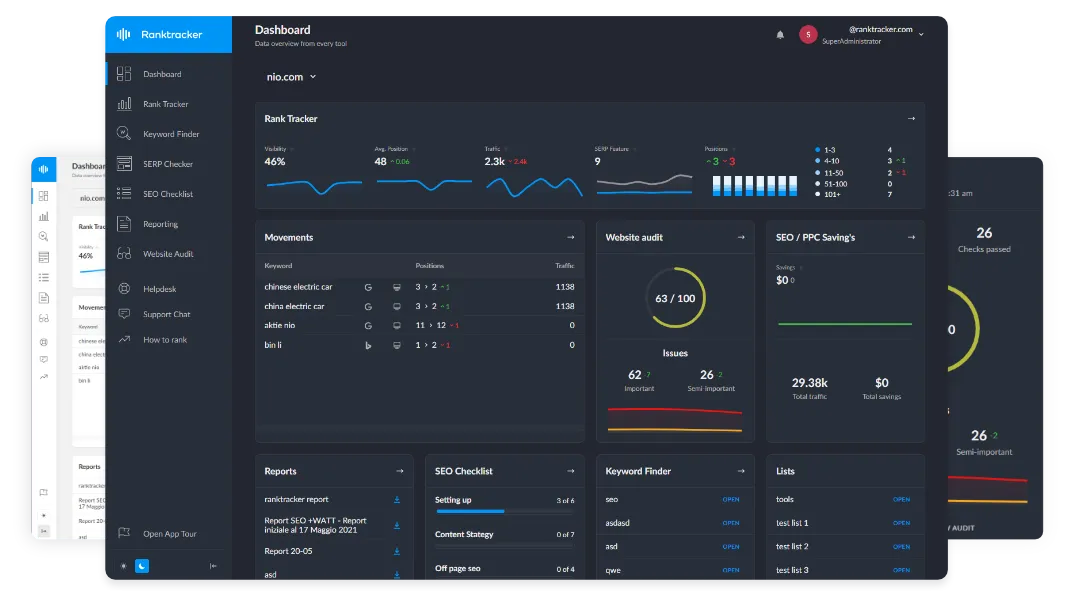
Behind every successful business is a strong SEO campaign. But with countless optimization tools and techniques out there to choose from, it can be hard to know where to start. Well, fear no more, cause I've got just the thing to help. Presenting the Ranktracker all-in-one platform for effective SEO
We have finally opened registration to Ranktracker absolutely free!
Create a free accountOr Sign in using your credentials
This keeps users watching and signals to search engines that your page provides targeted answers. You should also include a transcript below the video. Search engines crawl text much faster than they process video audio. A transcript gives crawlers exactly what they need to understand the context of the media and rank it for long tail queries.
The Page Speed Problem
Visuals boost engagement, but they will destroy your page load speeds if you manage them poorly. Slow pages don't rank well. Core Web Vitals are a direct ranking factor for Google, and unoptimized media is the primary cause of poor scores.
One of the worst offenders I've seen on client sites is the animated GIF. They look fun and grab attention, but the file sizes are astronomically massive. A single GIF can weigh more than the rest of your page combined. You should almost never use them in their native format on a live site. Run them through a GIF to video converter instead. Turning a heavy GIF into an MP4 or WebM file often reduces the file size by over 80 percent. The user gets the exact same visual experience, but your page loads instantly.
Fast load times keep both visitors and search engine crawlers happy. You also need to implement lazy loading for all images below the fold. This tells the browser to only load images when the user actually scrolls down to them. It saves bandwidth and ensures the top of your page becomes interactive as quickly as possible.
Tailoring Visuals to Your Niche

Getting organic traffic means understanding exactly what your specific audience wants to look at. A B2B software company needs clean charts, architecture diagrams, and interface mockups. An entertainment blog needs something entirely different. Visual strategy is not one size fits all.
If you run a pop culture site, gaming blog, or graphic novel review hub, standard photos often fall flat. Your audience expects highly stylized art that matches their interests. Sometimes creating that art from scratch is too expensive or time consuming for a daily publishing schedule. Running a quick concept through an AI anime generator can produce custom header images that actually fit the aesthetic of the page. When the visual style matches the user intent, they stick around. Google measures that satisfaction and adjusts rankings accordingly.
You have to match the medium to the message. A recipe blog needs high resolution photography. A tech tutorial needs clear, annotated screenshots. Figure out what visual format actually helps your reader understand the topic faster and double down on it.
The Technical Side of Visual SEO
Creating the right visuals is only half the job. You have to tell search engines exactly what they are looking at.
The All-in-One Platform for Effective SEO
Behind every successful business is a strong SEO campaign. But with countless optimization tools and techniques out there to choose from, it can be hard to know where to start. Well, fear no more, cause I've got just the thing to help. Presenting the Ranktracker all-in-one platform for effective SEO
We have finally opened registration to Ranktracker absolutely free!
Create a free accountOr Sign in using your credentials
Start with file names. Uploading a file named "IMG_8745.jpg" tells Google absolutely nothing. Renaming it to "organic-search-ranking-chart.jpg" gives a clear, readable signal about the page content before the crawler even looks at the image.
Next is alt text. This is a basic accessibility requirement that doubles as prime real estate for context. Describe the image exactly as it appears. Don't stuff it with keywords. If the image is a screenshot of a Google Analytics dashboard showing a traffic spike, write exactly that. Screen readers rely on this text, and Google uses it to understand the image subject matter.
You also need to watch out for Cumulative Layout Shift. This happens when an image loads late and pushes the text down the page while a user is trying to read. It's incredibly frustrating and Google penalizes pages for it. Always specify the height and width attributes in your image tags so the browser knows exactly how much space to reserve before the image even loads.