Intro

Two pages chase the same keyword. Same intent, same rough quality of writing. One sits at position 3. The other's buried on page two. Why? Usually not the copy. It's what happens in the first couple of seconds after the click – does the page actually load, does it respond when you tap something, does the layout stay put or jump around like it's had too much coffee. Google turned those seconds into ranking signals a while back, and they're still very much in play going into 2026. Below: what the data says about the UX-SEO overlap, and which fixes are worth doing first.
Why UX and SEO stopped being separate conversations
For years, SEO and UX design lived in different departments – one team chasing keywords, the other chasing usability. That split doesn't hold up anymore. Google's Page Experience signal folded loading speed, interactivity, and visual stability directly into how pages are evaluated, and that framework is still central to ranking in 2026.
To be clear, this isn't a "redesign your homepage and watch the rankings roll in" story. Google's own John Mueller has been blunt about where UX fits: relevance is still by far much more important than performance scores. A beautifully fast page with thin content won't outrank a slower page that actually answers the query. But when two pages are otherwise close on relevance and authority, UX-related signals are frequently what separates them.
First impressions: why design quality doubles as a trust signal
Before Google ever measures a Core Web Vital, a visitor has already formed an opinion. Design research consistently shows that roughly 94% of first-impression judgments about a website are design-related rather than content-related – meaning people decide whether to trust a page almost entirely on how it looks and feels in the first few seconds. That snap judgment matters because it predicts what happens next: 88% of users say they won't return to a site after a poor experience, and mobile visitors are about five times more likely to abandon a task altogether if the site isn't properly optimized for their device.
None of this is a ranking factor in the strict technical sense. But it feeds directly into the behavioral signals Google does track – clicks, return visits, and how long people stay before bouncing back to the results page. A page that fails the first-impression test rarely gets the chance to prove its content is good.
What Google actually measures when it grades user experience
Google's shorthand for this is Core Web Vitals: three metrics called Largest Contentful Paint (LCP), Interaction to Next Paint (INP), and Cumulative Layout Shift (CLS). Together they measure how fast the main content appears, how quickly the page responds to a click or tap, and how much the layout jumps around while loading.
The gap between sites that pass and sites that don't is bigger than most teams assume. According to the 2025 Web Almanac, only 48% of mobile pages and 56% of desktop pages pass all three Core Web Vitals – meaning more than half the mobile web is technically failing Google's own experience bar. LCP is the usual culprit: just 62% of mobile pages hit the "good" threshold, making it the hardest of the three metrics to clear.
For a deeper walkthrough of what each metric means and how to fix it, our guide on why Core Web Vitals matter for SEO covers the thresholds in more detail.
The real cost of bad UX – in dollars and rankings
The ranking argument is only half the story. Poor UX also bleeds revenue directly, and this is where the data gets hard to ignore. Research shared in industry performance studies shows pages loading within 2 seconds see a 9% bounce rate, while pages taking 5 seconds jump to 38%. Other analyses put the damage in terms of probability rather than percentage: a 2-second delay in load time increases bounce rates by roughly 103%, and every additional second beyond a 3-second load time raises bounce probability by around 32%. People aren't waiting around, and Google notices the behavior that follows.
The All-in-One Platform for Effective SEO
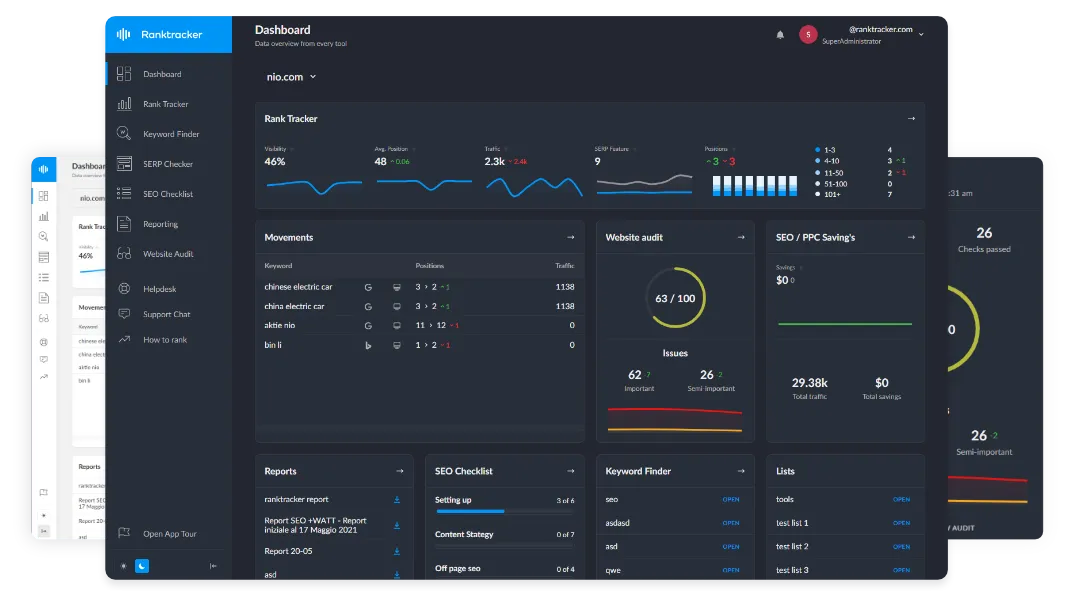
Behind every successful business is a strong SEO campaign. But with countless optimization tools and techniques out there to choose from, it can be hard to know where to start. Well, fear no more, cause I've got just the thing to help. Presenting the Ranktracker all-in-one platform for effective SEO
We have finally opened registration to Ranktracker absolutely free!
Create a free accountOr Sign in using your credentials
Dwell time works the same way from the other direction. The longer someone stays on a page and keeps navigating, the more it signals to Google that the content actually answered the query – and easy, logical navigation is one of the simplest ways to extend that time. Sites that clean up scattered content into clearer topic clusters with contextual internal links have reported bounce rates dropping from over 60% into the low 40s, alongside noticeably higher pages-per-session. That's a UX fix – better structure, easier navigation – producing an SEO outcome.
The business impact shows up clearly in Google's own web.dev case studies. Rakuten 24 improved LCP and saw a 53.37% increase in revenue per visitor, along with a 33.13% lift in conversion rate – with performance as the only variable tested. Vodafone Italy improved LCP by 31% through server-side rendering and reduced render-blocking JavaScript, and saw an 8% increase in sales. RedBus improved INP specifically and recorded a 7% increase in sales, which is a fairly direct demonstration that responsiveness alone can move revenue.
This is exactly the kind of gap that shows up when teams don't have UX specialists in-house and try to patch performance issues after the fact instead of designing for them from the start. For businesses weighing whether to build that expertise internally or bring in outside help, a properly vetted UI UX agency ranking is a reasonable starting point for comparing agencies with a track record on exactly this kind of work.
A practical checklist: UX fixes that double as SEO wins
Most of the fixes that improve Core Web Vitals are also just good design practice – the kind of thing a UX designer would flag anyway, even without an SEO brief. A few worth prioritizing first:
- Compress and modernize images – switching to WebP or AVIF and setting explicit width/height attributes reduces both LCP and CLS.
- Cut render-blocking scripts – deferring non-critical JavaScript and inlining critical CSS speeds up first paint.
- Fix layout shift sources – reserve space for ads, embeds, and web fonts so content doesn't jump after it loads.
- Design mobile-first, not mobile-adapted – over 64% of global web traffic now comes from mobile devices, and Google evaluates mobile experience separately from desktop.
- Simplify navigation and page structure – a clear heading hierarchy and logical internal linking help both users and crawlers understand a page faster.
- Write descriptive alt text and link labels – this started as an accessibility requirement, but it does double duty for image search and helps crawlers understand context they'd otherwise have to guess at.
None of these require a full redesign. They're incremental, they compound, and they're the same fixes a UX audit and a technical SEO audit would both flag independently – which is exactly why the two disciplines increasingly overlap in practice. The order matters less than actually starting: pick the one causing the most visible friction (usually image weight or a bloated script) and fix that first, then move down the list. Our rundown of advanced technical SEO factors goes into more detail on the implementation side of several of these.
Auditing the overlap between UX and SEO on your own site
Before changing anything, it's worth establishing a baseline. Google Search Console's Core Web Vitals report shows real-user data straight from Chrome, while PageSpeed Insights breaks a single URL down into specific, prioritized fixes.
Running a full site audit on a schedule – rather than a one-off check – is what catches regressions before they affect rankings. A new plugin, an unoptimized hero image, or a poorly loaded ad script can quietly undo months of optimization work. This matters more than it sounds like it should: sites change constantly, new content gets added, third-party scripts get swapped out, and a page that passed its Core Web Vitals check in January can quietly fail by summer without anyone touching the design. Monthly or quarterly audits, rather than a single fix-it-and-forget-it pass, are what keep both the UX and the SEO side of the equation from drifting. Our comparison of SERP tracking and website audit tools walks through several options for building that habit into a regular workflow.
Final thoughts
UX and SEO were never really separate disciplines – they just got treated that way for a while. Google's Page Experience signals made the connection official, but the underlying logic was always simple: sites that respect a visitor's time and attention tend to keep them around longer, and search engines reward exactly that behavior. Content quality still does the heavy lifting. But when two pages are competing on relevance, the one that loads faster, responds instantly, and doesn't jump around while rendering usually gets the edge. Treating UX fixes as part of the SEO process, rather than a separate project, is the more efficient way to approach both.