Intro
If you work with brands, your media kit is one of the first assets they review. It helps them quickly understand who you are, what your audience looks like, and whether working with you feels simple and professional.
Some tools focus on design. Others focus on keeping information accurate over time. There is no single perfect option. It depends on how often you collaborate, how much you value automation, and how much time you want to spend maintaining your kit.
Below is a breakdown of popular influencer media kit tools, written in a practical, editorial style, with clear pros and cons for each.
1. CreatorsJet: Best overall influencer media kit tool
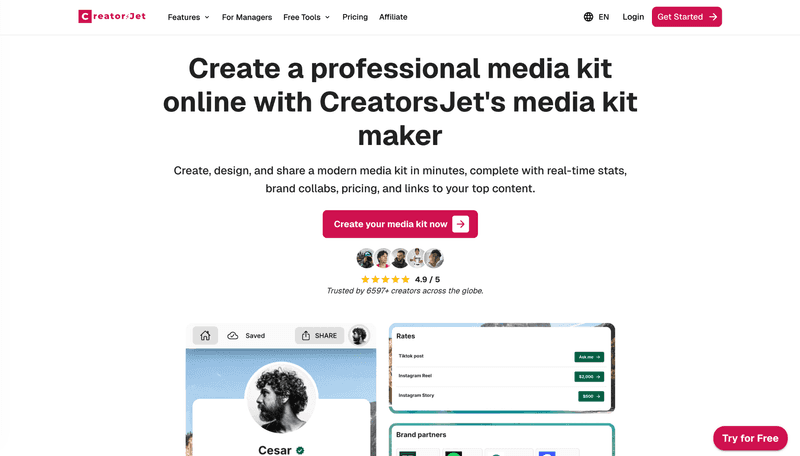
CreatorsJet is built around the idea that a media kit should behave more like a live profile than a document. Instead of creating and exporting files, you share one page that always reflects your latest stats, audience details, and collaboration history.
This approach is especially useful if you do frequent outreach or work with multiple brands at the same time. Brands can open the link, review your information, and forward it internally without asking for updated versions.
Rather than sending a PDF, you share a live influencer press kit that stays current as your numbers evolve.
The All-in-One Platform for Effective SEO
Behind every successful business is a strong SEO campaign. But with countless optimization tools and techniques out there to choose from, it can be hard to know where to start. Well, fear no more, cause I've got just the thing to help. Presenting the Ranktracker all-in-one platform for effective SEO
We have finally opened registration to Ranktracker absolutely free!
Create a free accountOr Sign in using your credentials
CreatorsJet is less about visual customization and more about reducing friction. You spend less time updating files and more time focusing on conversations and deals.
Pros
-
Stats and information stay up to date
-
One link replaces repeated file exports
-
Easy for brands to review and share internally
-
Well suited for ongoing brand collaborations
Cons
-
Less visual customization than design-first tools
-
Can be more than needed if you update your kit very rarely
2. Canva: Best visual control for media kits
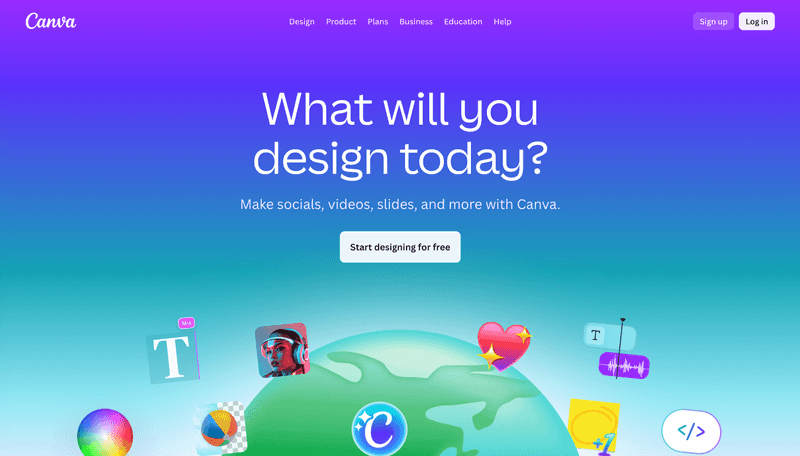
Canva is one of the most commonly used tools for influencer media kits, mainly because it makes design accessible. With a large library of templates, you can quickly create a media kit that matches your branding.
It works particularly well if visuals are a priority. You can control colors, fonts, and layout without needing any design experience.
The downside is that Canva media kits are static. Any time your stats change or you want to add new collaborations, you need to update the file and resend it.
Pros
-
Large selection of ready-made templates
-
Strong control over visual branding
-
Easy to use, even for beginners
Cons
-
Manual updates required
-
Static files can become outdated
-
Not built specifically for influencer workflows
3. Adobe Express: More creative freedom and customization
The All-in-One Platform for Effective SEO
Behind every successful business is a strong SEO campaign. But with countless optimization tools and techniques out there to choose from, it can be hard to know where to start. Well, fear no more, cause I've got just the thing to help. Presenting the Ranktracker all-in-one platform for effective SEO
We have finally opened registration to Ranktracker absolutely free!
Create a free accountOr Sign in using your credentials
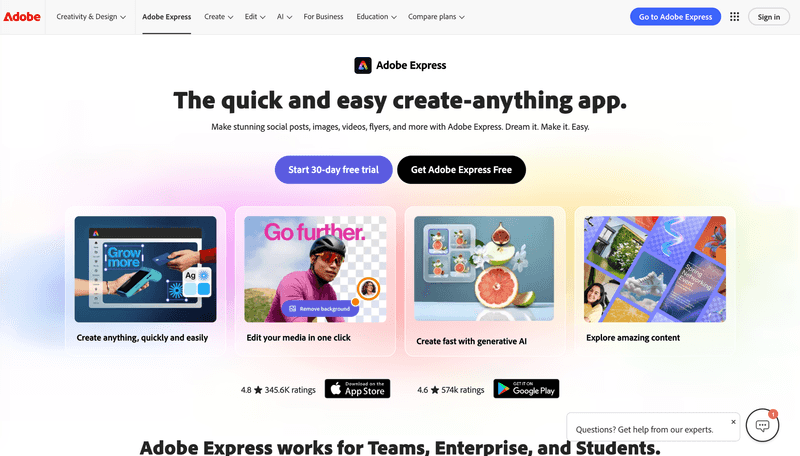
Adobe Express offers more design flexibility than template-first tools. It appeals to creators who want a more custom layout and are comfortable working with creative software.
You get more control over typography and structure, which can help your media kit stand out visually. This is especially useful if you already use Adobe products and want everything to stay within the same ecosystem.
Like other design tools, media kits created in Adobe Express still require manual updates and file sharing.
Pros
-
Greater control over layout and design details
-
High-quality visual output
-
Good fit for creators familiar with Adobe tools
Cons
-
Manual updates required
-
Slightly higher learning curve
-
Static file format
4. Visme: Structured, presentation style media kits
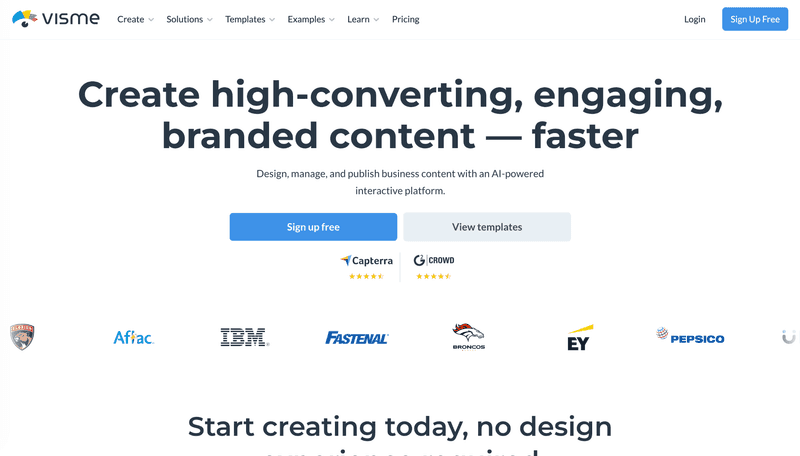
Visme sits closer to a presentation and pitch deck tool than a traditional media kit builder. It is useful if you prefer to explain your value through charts, visuals, and structured slides.
This works well when pitching to teams that care about data, reporting, or campaign results. You can clearly present audience demographics and performance in a more analytical format.
For quick collaborations, though, this level of structure can feel heavier than necessary.
Pros
-
Strong data visualization and charts
-
Clear, structured presentation layouts
-
Good for detailed brand pitches
Cons
-
Not influencer-specific
-
More complex than simple media kits
-
Manual updates required
5. Snappa: Simple and fast setup
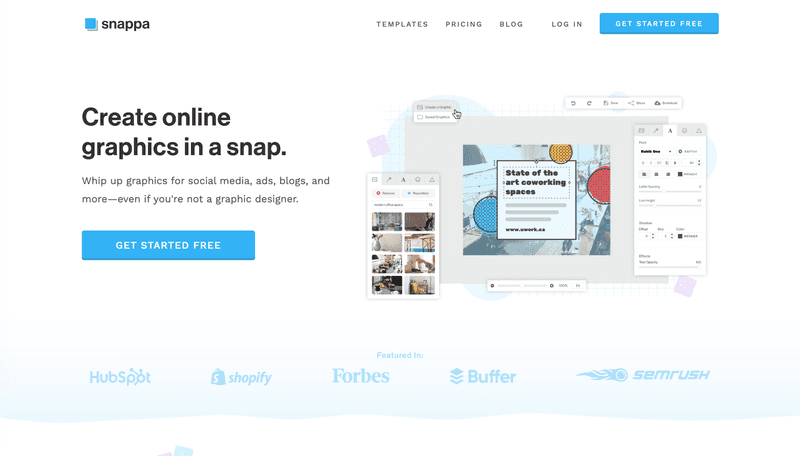
Snappa focuses on speed and simplicity. It offers fewer features than Canva or Adobe Express, but that is part of its appeal.
If you want to create a clean media kit quickly without spending much time on design decisions, Snappa gets the job done. It is easy to learn and straightforward to use.
Customization options are limited, and updates are manual, so it works best for basic needs.
Pros
-
Very quick to set up
-
Clean, simple layouts
-
Minimal learning curve
Cons
-
Limited customization
-
Smaller template library
-
No automation
6. Notion: Flexible and free alternative
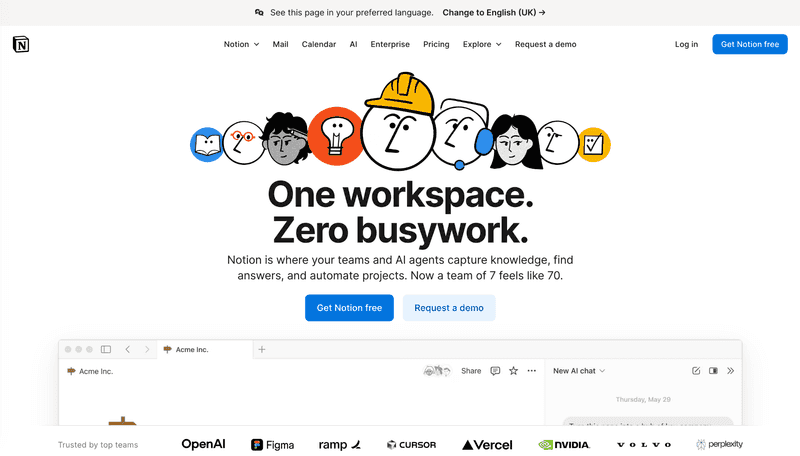
Notion is not designed as a media kit tool, but many creators use it as a lightweight option.
The All-in-One Platform for Effective SEO
Behind every successful business is a strong SEO campaign. But with countless optimization tools and techniques out there to choose from, it can be hard to know where to start. Well, fear no more, cause I've got just the thing to help. Presenting the Ranktracker all-in-one platform for effective SEO
We have finally opened registration to Ranktracker absolutely free!
Create a free accountOr Sign in using your credentials
You can create a simple page with your bio, audience information, and links to past collaborations, then share it as a single link. It is easy to update and completely flexible.
The main drawback is presentation. Notion pages often feel more informal and lack the polish brands expect from a dedicated media kit.
Pros
-
Free to use
-
Easy to update
-
Fully flexible structure
Cons
-
No built-in design polish
-
Manual setup required
-
Less brand-oriented presentation
How to Choose the Right Tool
There is no single tool that works for everyone. The right choice depends on how often you collaborate with brands and how much effort you want to put into maintaining your media kit.
- Frequent brand collaborations
If you work with brands regularly and want to avoid updating and resending files, a live solution like CreatorsJet can make the process easier.
- Strong focus on design and branding
If visual presentation matters most, design-first tools such as Canva or Adobe Express are a better fit.
- More structured, data-driven pitches
If you prefer presenting your audience and results through charts and slides, Visme works well.
- Quick and simple setup
If you want something basic without spending much time on setup or customization, Snappa is usually enough.
- Just getting started
If you are early in your creator journey and want a free, flexible option, Notion can be a practical first step.
Ultimately, the best tool is the one that matches your workflow and the amount of time you want to spend keeping your media kit up to date.